
01 / UNDERSTAND
Explore scanners ↗OBD2 diagnostics
Code readers and scanners for compatible onboard diagnostic systems.
Understand what your vehicle is telling you. Find your way with greater confidence. Explore purposeful diagnostic, navigation and security technology designed to make informed driving feel more natural.
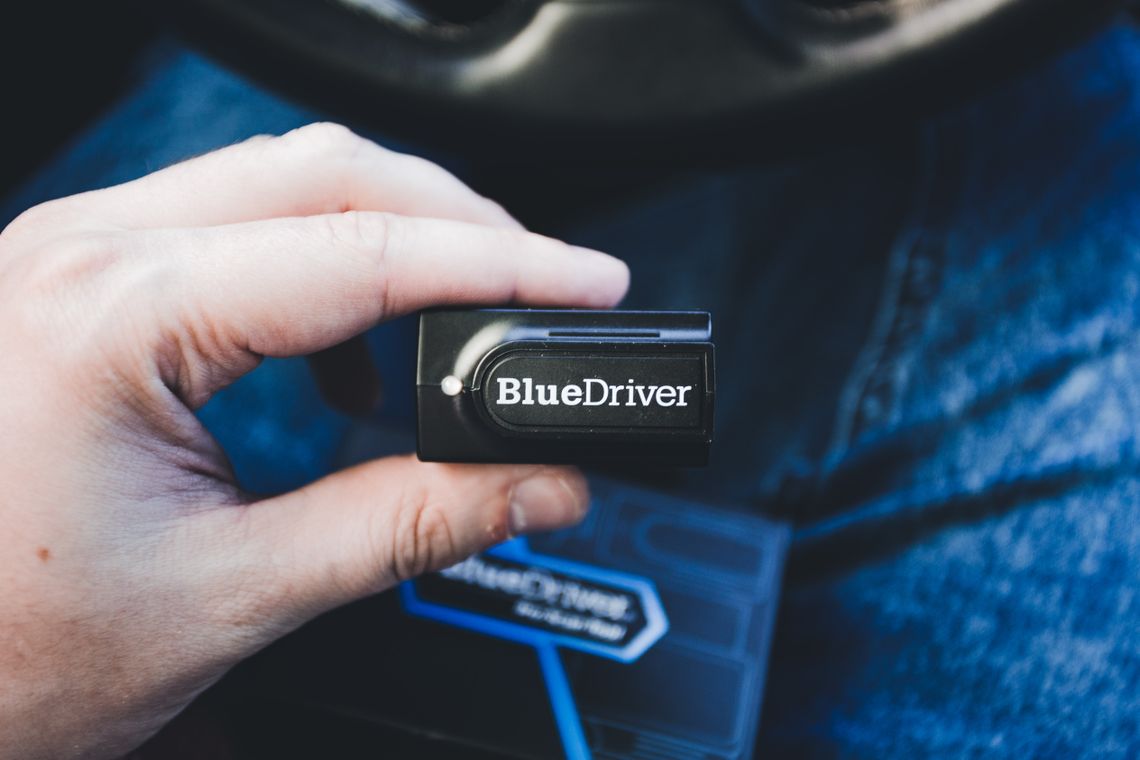
From understanding fault codes to following a route and considering vehicle protection, the right equipment turns everyday questions into more useful information. Browse four distinct areas and choose according to your vehicle, priorities and preferred setup.
Code readers and scanners for compatible onboard diagnostic systems.
Battery monitors and jump starters for informed everyday preparation.
Dedicated devices and trip tools for compatible in-car guidance.
Location trackers and anti-theft accessories with product-specific features.
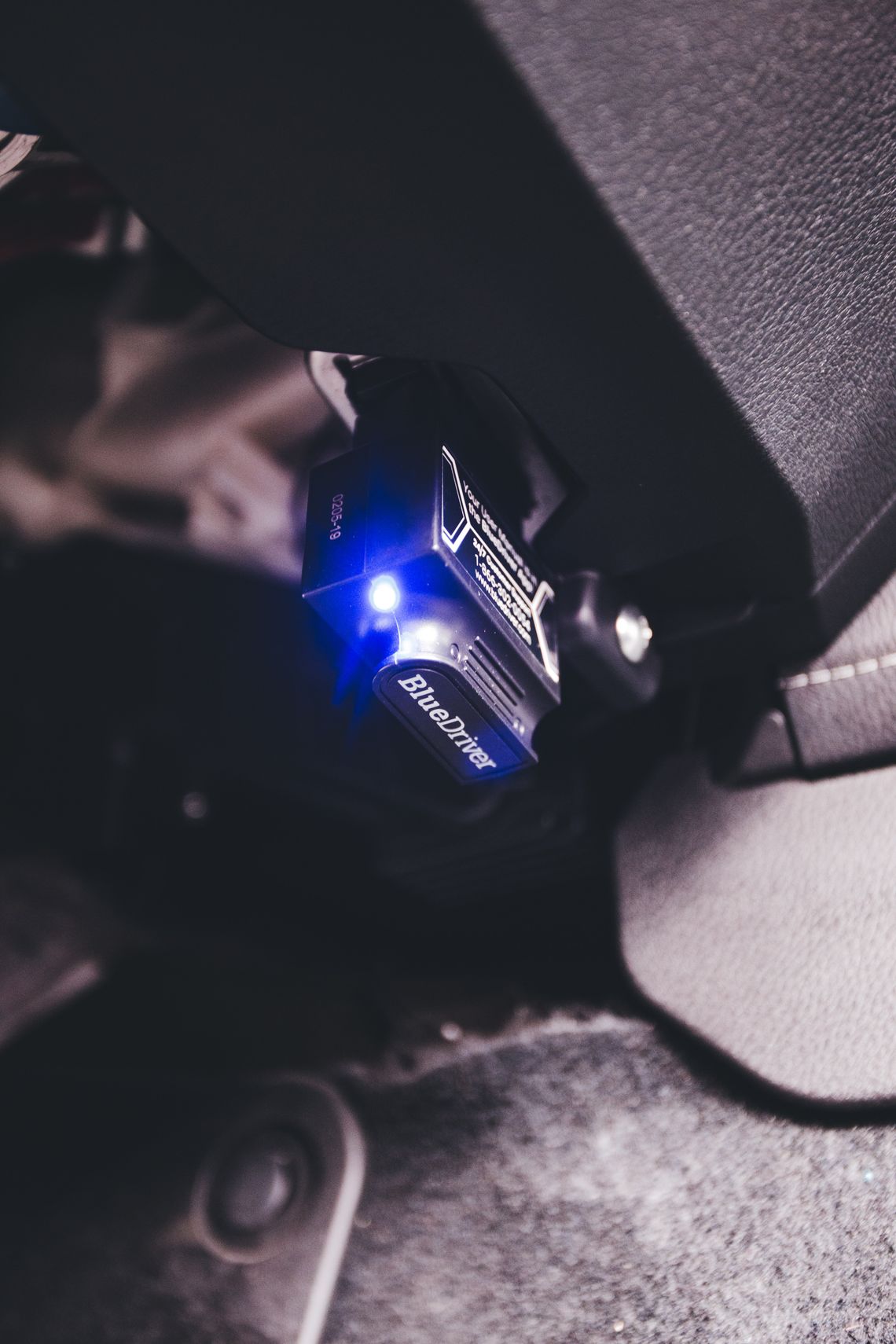
A warning light is a starting point, not a complete answer. Compatible OBD2 tools can help surface diagnostic trouble codes and certain live vehicle readings so you can understand the next question to ask. For repairs or safety concerns, always rely on qualified professional assessment.
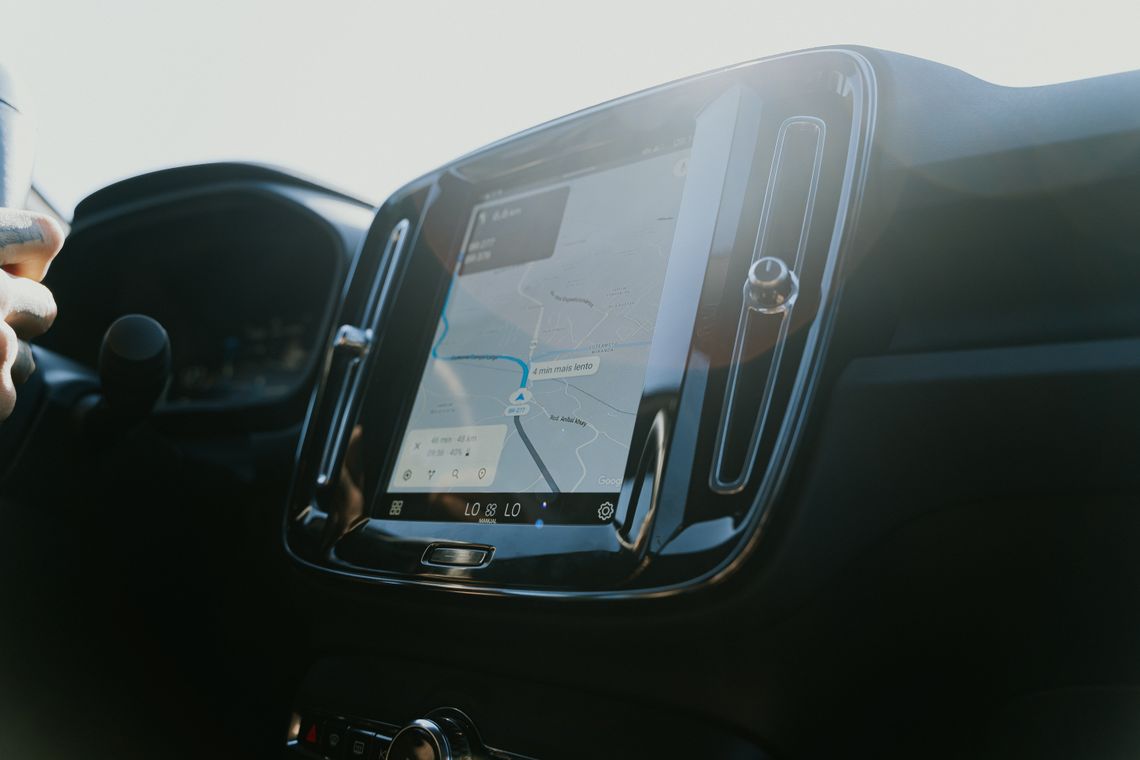
Navigation should simplify the journey, not compete for attention. Explore GPS devices and connected route tools with the screen format, mapping support and controls that suit how you travel. Check the individual listing for map coverage, updates, accessories and connectivity requirements.
Good automotive technology works in the background: clear information when you need it, useful guidance at the right moment and considered choices for protecting what matters.
From vehicle location accessories to anti-theft systems, security technology works best when it is matched to the vehicle and the features you actually need. Some trackers require a subscription, cellular service or dedicated app. Always read the specific product terms before purchasing.
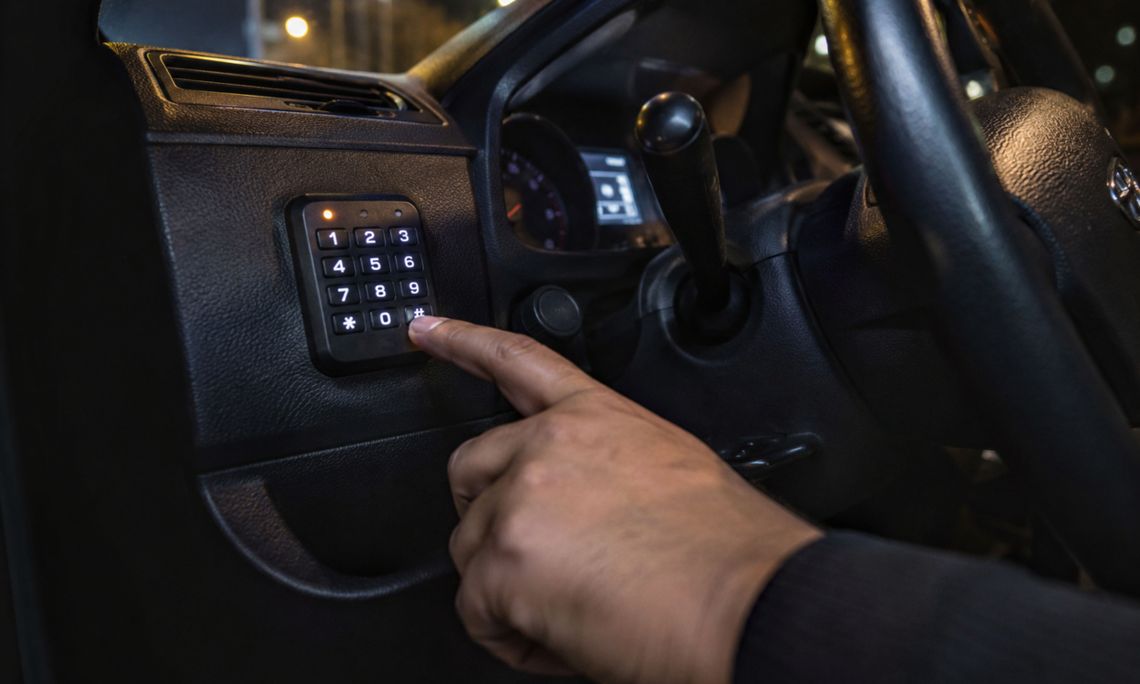
Image illustrates the broader vehicle-security category. Product capabilities and installations vary.
Simple compatibility checks can prevent frustration later. Treat each product listing as the source of truth for supported vehicles, electrical requirements and included features.
Check model year, manufacturer, trim, diagnostic protocols, electrical requirements and available mounting space. Not all devices work with every car or light-duty vehicle.
Decide which outcome matters most: fault-code insights, battery awareness, clear navigation, or location-based monitoring. Avoid paying for functions you do not plan to use.
Check installation instructions, phone operating-system support, app availability, data plans, updates and included mounting hardware before you order.
The best technology leaves you with less to worry about and more room to focus. Whether you are monitoring a vehicle, planning a trip or reviewing the details of an alert, explore practical accessories tailored to your daily routine.
No. Compatibility depends on your vehicle, its diagnostic protocols, model year and the scanner's supported systems. Consult the specific product listing before purchasing.
Not necessarily. A code identifies a detected condition or system issue; further diagnosis may be necessary. For safe servicing, consult a qualified technician.
No. Built-in mapping, data connections, update schedules and offline capability vary by model. Review the listing for the coverage and functionality you need.
Some do. Live tracking, cellular services, app access and notification features can depend on separate plans and supported coverage. Check the product terms.
We offer 24/7 customer support, free shipping on every order, delivery within 3–5 calendar days, and free returns and exchanges within 30 days. Email subscribers receive an automatic 15% sitewide discount, and selected promotional products receive 20% off automatically; no code is required.
Explore diagnostics, route guidance and security technology for your vehicle. If you need help assessing compatibility, our team is available whenever you need assistance.